
Specifications
General
Brand
APC
Product Type
UPS
Product Manuals
Description
Product Details
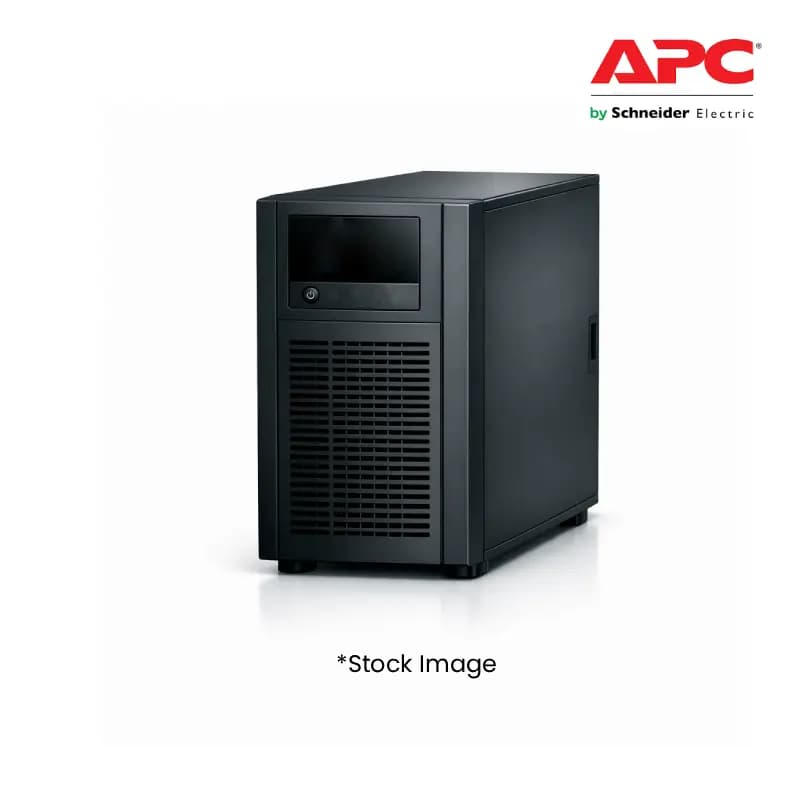
- Secure your clients' critical operations with the APC Smart-UPS 2200VA UPS, ensuring uninterrupted power supply for their sensitive equipment.
- Benefit from advanced surge protection, safeguarding valuable hardware from electrical anomalies and reducing costly downtime for your customers.
- Leverage the high VA rating (2200VA) to offer robust power backup solutions, catering to businesses with significant power demands.
- Provide your clients with peace of mind through reliable battery backup, crucial for maintaining productivity during power outages.
- Enhance your product portfolio with a trusted brand like APC, known for its quality and performance in the power protection market.
- Offer seamless integration and compatibility with a wide range of IT infrastructure, making it an easy upsell for your diverse client base.
- Gain a competitive edge by stocking an essential piece of equipment that addresses a universal business need for reliability.
- Increase your order value and profitability by bundling this high-demand UPS with other IT solutions for your wholesale clients.
FAQs
Frequently Asked Questions
The APC SUA2200I-IND UPS ensures reliable, uninterrupted power for critical equipment, minimizing downtime and safeguarding client investments, a key selling point for resellers.
The 2200VA capacity provides substantial power backup, supporting a larger number of devices or higher-power equipment, making it suitable for a wider range of business needs.
Yes, this UPS is designed for broad compatibility, making it a versatile solution that can be recommended for diverse IT environments.
This UPS offers both surge protection against electrical spikes and battery backup to ensure continued operation during power outages.
APC is a globally recognized leader in power protection, known for its robust build quality, reliability, and advanced features, offering your customers a trusted solution.
Yes, Price can be negotiated through the RFQ Process with Approvals. Click for Process