
Specifications
General
Brand
Cisco
Product Type
Switches
Product Manuals
Description
Product Details
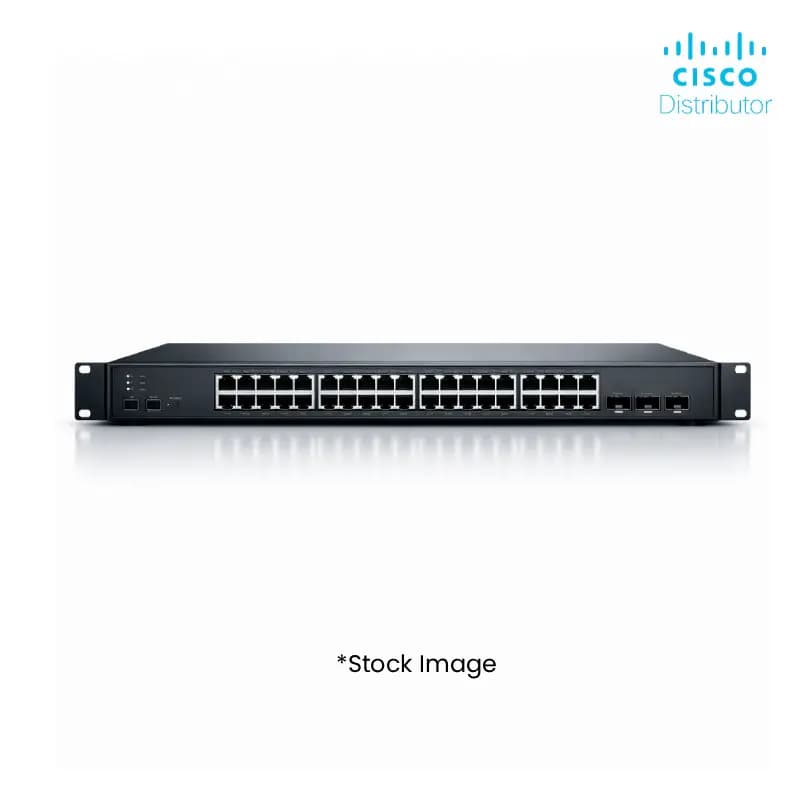
- Boost your inventory with the Cisco C1300-24T-4X Switch, offering 24x 1GbE ports for extensive network connectivity.
- Equipped with 4x 10GbE SFP+ uplink ports, enabling high-speed data transfer and seamless network expansion for your clients.
- Benefit from enhanced network security features to protect your customers' critical data and infrastructure.
- Designed for reliability and performance, ensuring consistent uptime and user satisfaction for your B2B clientele.
- Simplify deployments with the intuitive management interface, reducing setup time and operational costs for your business.
- Gain a competitive edge by offering the latest in Cisco networking technology, a brand trusted by businesses worldwide.
- The C1300-24T-4X Switch is ideal for businesses needing scalable and robust network solutions, increasing your sales potential.
- Leverage the compact form factor for flexible installation in various enterprise environments, appealing to a wider customer base.
FAQs
Frequently Asked Questions
The Cisco C1300-24T-4X Switch is designed to provide high-performance, 24-port Gigabit Ethernet connectivity with 4x 10GbE SFP+ uplinks for robust network infrastructure.
This switch is ideal for small to medium-sized businesses and enterprise branch offices requiring reliable, scalable, and high-speed network connectivity.
It offers 24x 1GbE ports for end-device connectivity and 4x 10GbE SFP+ uplinks for high-speed communication between network segments, reducing congestion.
Yes, Cisco switches are known for their user-friendly management interfaces, simplifying deployment and ongoing administration, which is beneficial for your technical teams and end-users.
Stocking this switch allows you to offer a reliable, high-performance networking solution from a trusted brand, meeting a significant demand in the B2B market and enhancing your product portfolio.
Yes, Price can be negotiated through the RFQ Process with Approvals. Click for Process