
Specifications
General
Brand
Cisco
Product Type
Switches
Product Manuals
Description
Product Details
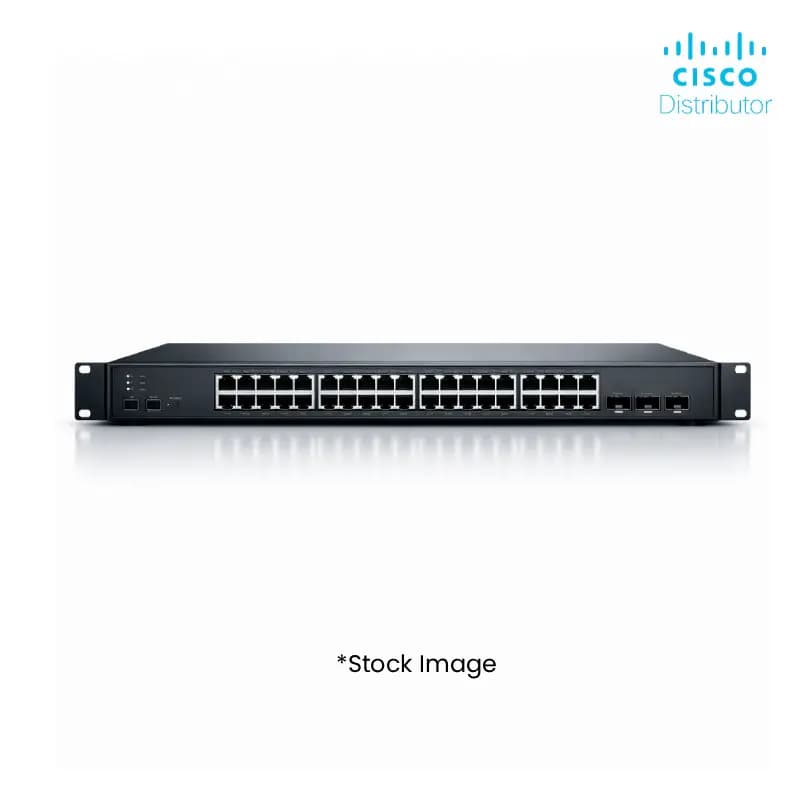
- Maximize your network performance with the Cisco C1300-24T-4X Switch, designed for high-throughput environments.
- Benefit from 24 x 1GbE ports and 4 x 10GbE SFP+ uplinks, providing robust connectivity for diverse business needs.
- Enhance network security and reliability with advanced features built into this Cisco switch.
- Leverage the stackable design for simplified management and scalability, ideal for growing enterprises.
- Ensure seamless integration with existing Cisco infrastructures, reducing deployment complexity for your clients.
- Experience optimized traffic management and advanced QoS capabilities to prioritize critical applications.
- Reduce operational costs with a power-efficient design, contributing to a sustainable IT infrastructure.
- Gain a competitive edge by offering your customers cutting-edge networking solutions from a trusted brand.
FAQs
Frequently Asked Questions
The Cisco C1300-24T-4X Switch offers high port density, advanced security features, and stackability, enabling you to provide powerful and scalable solutions to your clients, thereby increasing your sales potential.
With 24 x 1GbE ports and 4 x 10GbE SFP+ uplinks, the switch ensures high-speed data transfer and low latency, crucial for supporting demanding business applications and preventing bottlenecks.
Yes, this Cisco switch is designed for seamless integration within the Cisco ecosystem, ensuring compatibility with a wide range of Cisco routers, firewalls, and access points.
Businesses requiring high-density Gigabit Ethernet connectivity, robust security, and the ability to scale their network infrastructure, such as mid-sized enterprises, branch offices, and data centers.
Yes, the switch supports various management options, including CLI and GUI, allowing for efficient remote configuration and monitoring, which is beneficial for managing distributed client networks.
Yes, Price can be negotiated through the RFQ Process with Approvals. Click for Process