
Specifications
General
Brand
Cisco
Product Type
Switches
Product Manuals
Description
Product Details
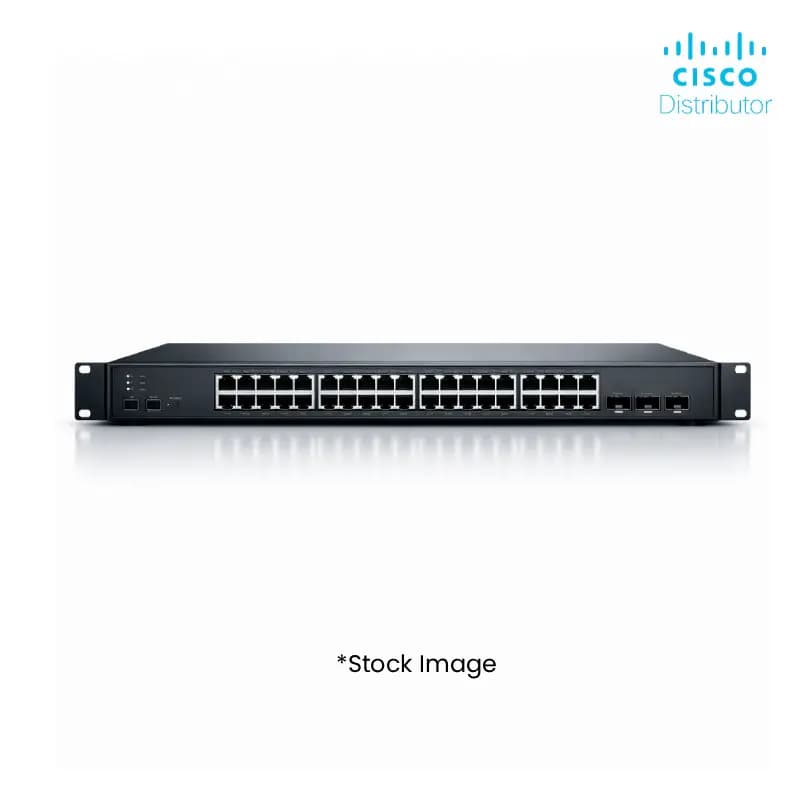
- Boost your inventory with the Cisco C1300-8T-E-2G, an 8-port Gigabit Ethernet Managed Switch designed for reliable network performance.
- Gain a competitive edge by offering your clients a scalable and efficient networking solution that supports growing business needs.
- Maximize profitability with bulk purchasing options on this high-demand Cisco switch, ensuring consistent stock for your customers.
- Provide seamless connectivity and enhanced network control to your clients with its advanced management features.
- Reduce support costs for your clients by deploying a robust and stable switch built to enterprise standards.
- Attract new business by stocking a trusted brand like Cisco, known for its quality and innovation in networking hardware.
- Streamline your procurement process with Redington Online's efficient B2B platform, making it easy to order and manage stock.
- Enhance your product portfolio and cater to a wider range of business requirements with this versatile managed switch.
FAQs
Frequently Asked Questions
Wholesale buyers benefit from bulk discounts, readily available stock of a popular Cisco model, and the ability to cater to a broad market segment seeking reliable managed Ethernet switches.
Yes, with its 8 Gigabit Ethernet ports and advanced management features, the C1300-8T-E-2G is highly suitable for SMBs requiring robust and scalable network infrastructure.
The C1300-8T-E-2G is a managed switch, offering advanced features such as VLANs, QoS, port mirroring, and SNMP for comprehensive network control and monitoring.
Redington Online offers competitive wholesale pricing for the Cisco C1300-8T-E-2G. Contact our sales team or explore our B2B portal for bulk quotes.
Warranty details are subject to Cisco's standard policies and the specific terms of your wholesale agreement with Redington Online. Please refer to product documentation or contact us for specifics.
Yes, Price can be negotiated through the RFQ Process with Approvals. Click for Process