
Specifications
General
Brand
Cisco
Product Type
Switches
Product Manuals
Description
Product Details
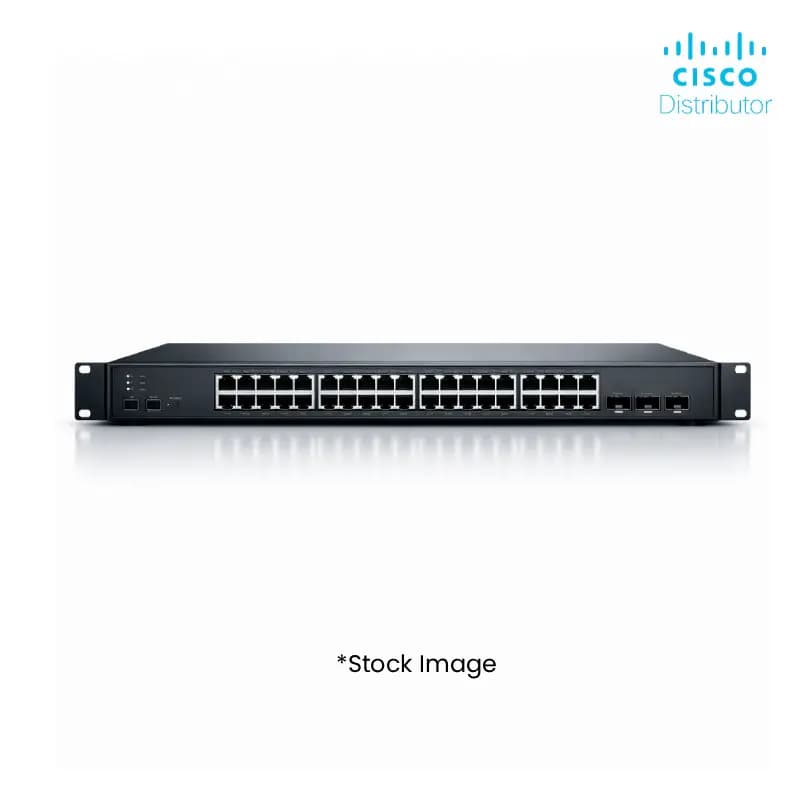
- Boost network efficiency with 8-port Gigabit Ethernet, ensuring high-speed data transfer crucial for your clients' operations.
- Benefit from advanced Layer 3 managed features, offering superior traffic control and network segmentation for diverse business needs.
- Leverage Power over Ethernet (PoE) capabilities to simplify deployment and reduce cabling costs for your end-users.
- Enhance network security with robust features like ACLs and port security, providing a reliable infrastructure your clients can trust.
- Experience seamless integration with existing network infrastructures due to its versatile port configuration and standard protocols.
- Offer scalability to your clients with this switch, capable of handling growing bandwidth demands and increasing user bases.
- Reduce IT overhead for your customers through intuitive management interfaces, simplifying configuration and troubleshooting.
- Gain a competitive edge by supplying this high-performance switch, meeting the evolving demands of modern enterprises.
FAQs
Frequently Asked Questions
This switch offers high-speed Gigabit Ethernet, advanced Layer 3 management, and PoE support, enabling you to provide robust and scalable network solutions to your clients.
Yes, its standard Ethernet ports and managed features ensure broad compatibility with a wide range of networking equipment and end devices.
Its performance, reliability, and advanced features cater to the demands of corporate and enterprise clients, making it a high-value product for resellers.
PoE simplifies installation by allowing power and data to be transmitted over a single Ethernet cable, reducing clutter and installation costs for devices like IP phones and wireless access points.
Absolutely. Its Layer 3 routing capabilities and advanced management features allow for sophisticated network segmentation and traffic control, making it ideal for complex environments.
Yes, Price can be negotiated through the RFQ Process with Approvals. Click for Process