
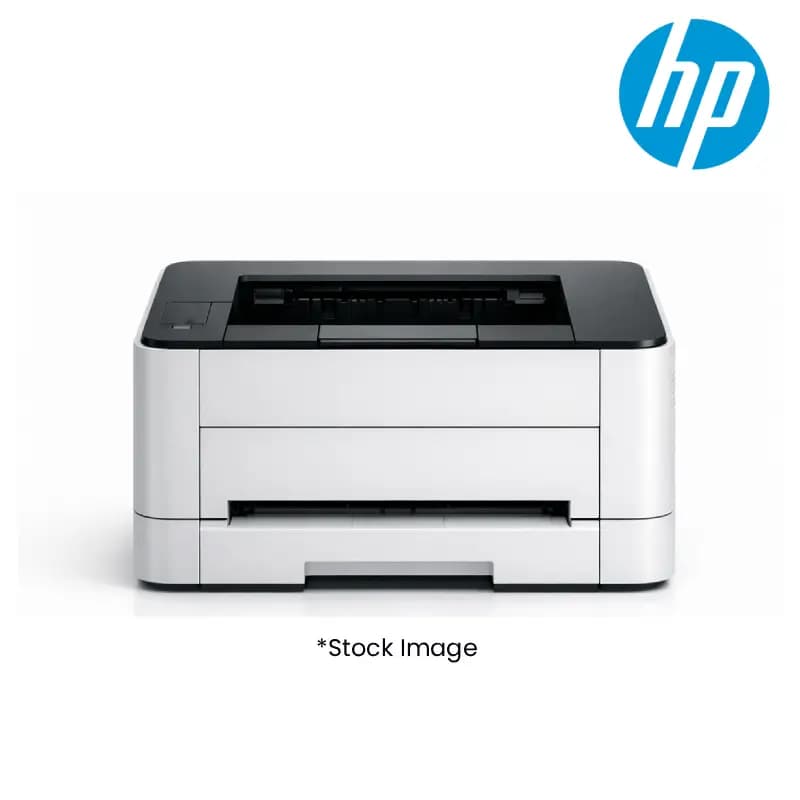
HP 2Z632A#ACJ Lasejet Pro 4104DW A4 Laser Printer
Product Highlights
- HP LaserJet Pro 4104DW A4 Laser
- Duplex Printing Efficiency
- Reliable High-Volume Output
- Exceptional Print Quality
- Trusted HP Brand & Design
Specifications
General
Brand
HP
Model Name
Lasejet Pro 4104DW
Product Type
A4 Laser Printers
Product Manuals
Description
Product Details
- Boost your inventory with the HP LaserJet Pro 4104DW, a high-performance A4 Laser Printer designed for reliable, high-volume printing.
- Streamline operations for your clients with its advanced duplex printing capabilities, saving paper and time.
- Ensure business continuity with robust build quality, making it a dependable choice for demanding work environments.
- Offer your customers exceptional print quality and sharp text, ideal for professional documents and marketing materials.
- Support diverse printing needs with its A4 size compatibility, a standard requirement for most businesses.
- Leverage its efficient operation to provide clients with cost-effective printing solutions, enhancing your value proposition.
- Attract a wide range of B2B customers with the trusted HP brand and the sought-after LaserJet Pro series.
- Maximize your profit margins by stocking a popular and in-demand A4 Laser Printer like the 4104DW.
FAQs
Frequently Asked Questions
The HP LaserJet Pro 4104DW offers duplex printing, reliable high-volume output, and exceptional print quality, making it ideal for professional business environments.
The HP LaserJet Pro 4104DW is designed for broad compatibility with major operating systems commonly used in business settings.
As a popular A4 Laser Printer with the trusted HP brand, the 4104DW offers high demand and reliable performance, ensuring customer satisfaction and repeat business.
The HP LaserJet Pro 4104DW is engineered for efficient printing to meet business demands.
Yes, the HP LaserJet Pro 4104DW features automatic duplex printing for efficient double-sided printing.
Yes, Price can be negotiated through the RFQ Process with Approvals. Click for Process